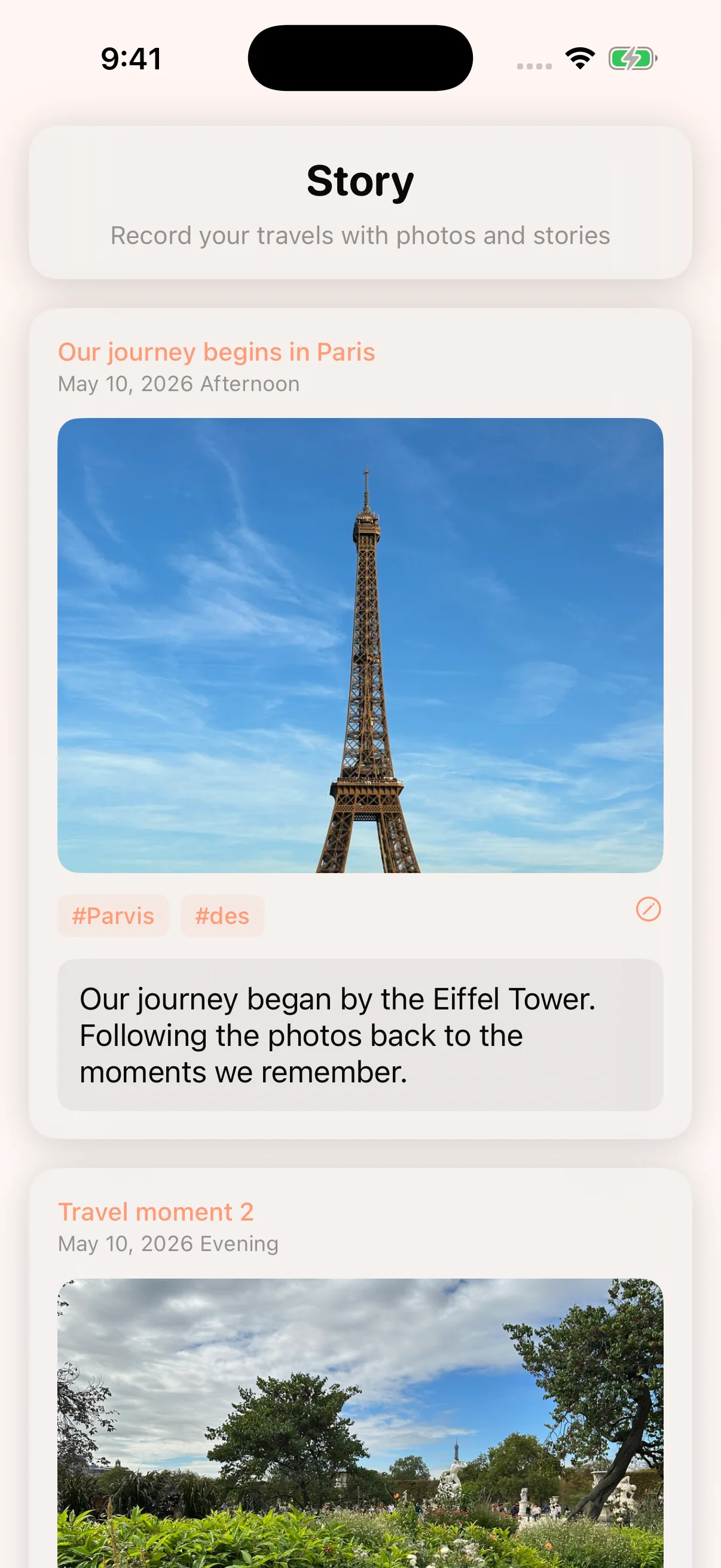
App Icon Your Journey,
Beautifully Organized

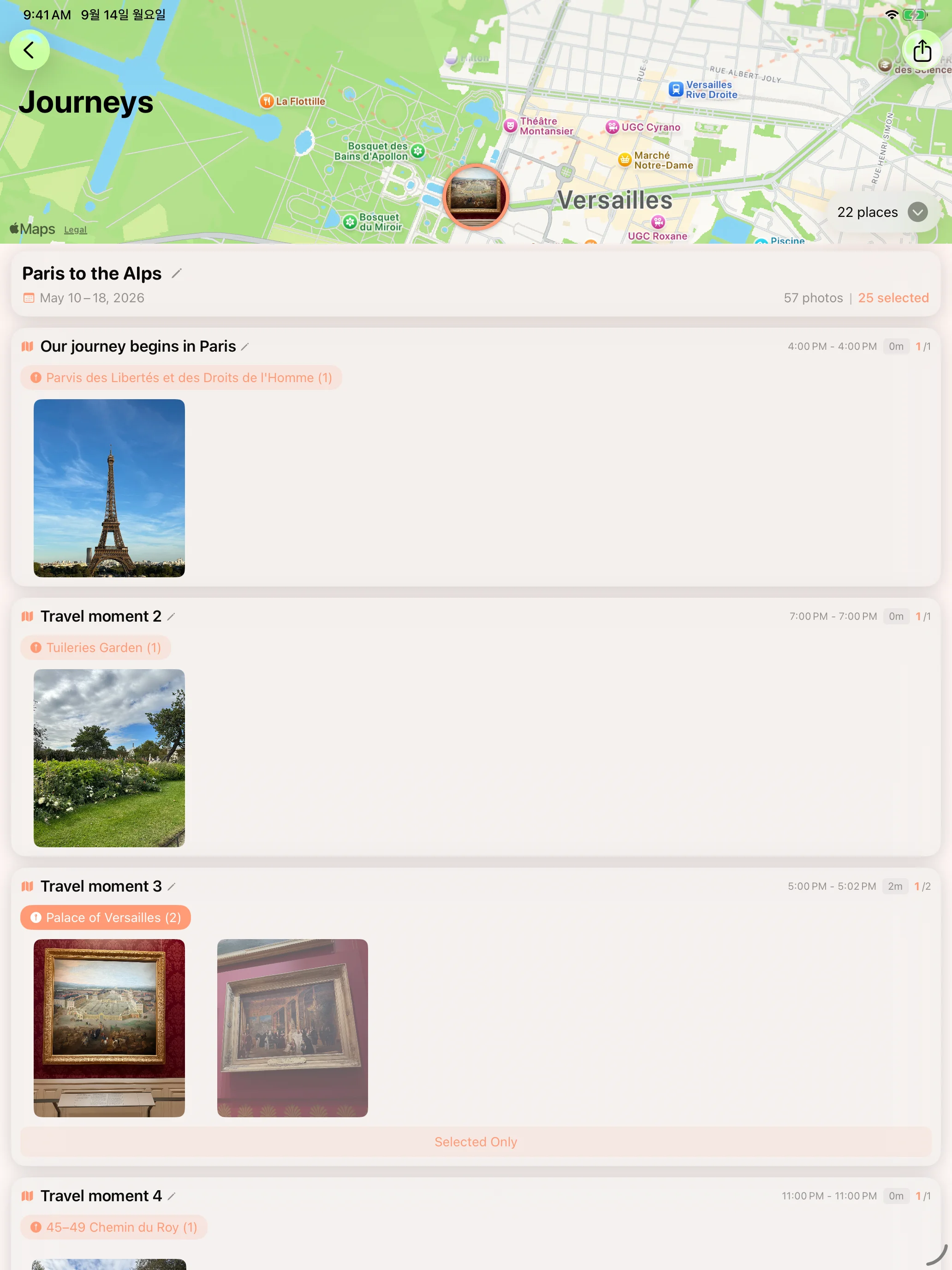
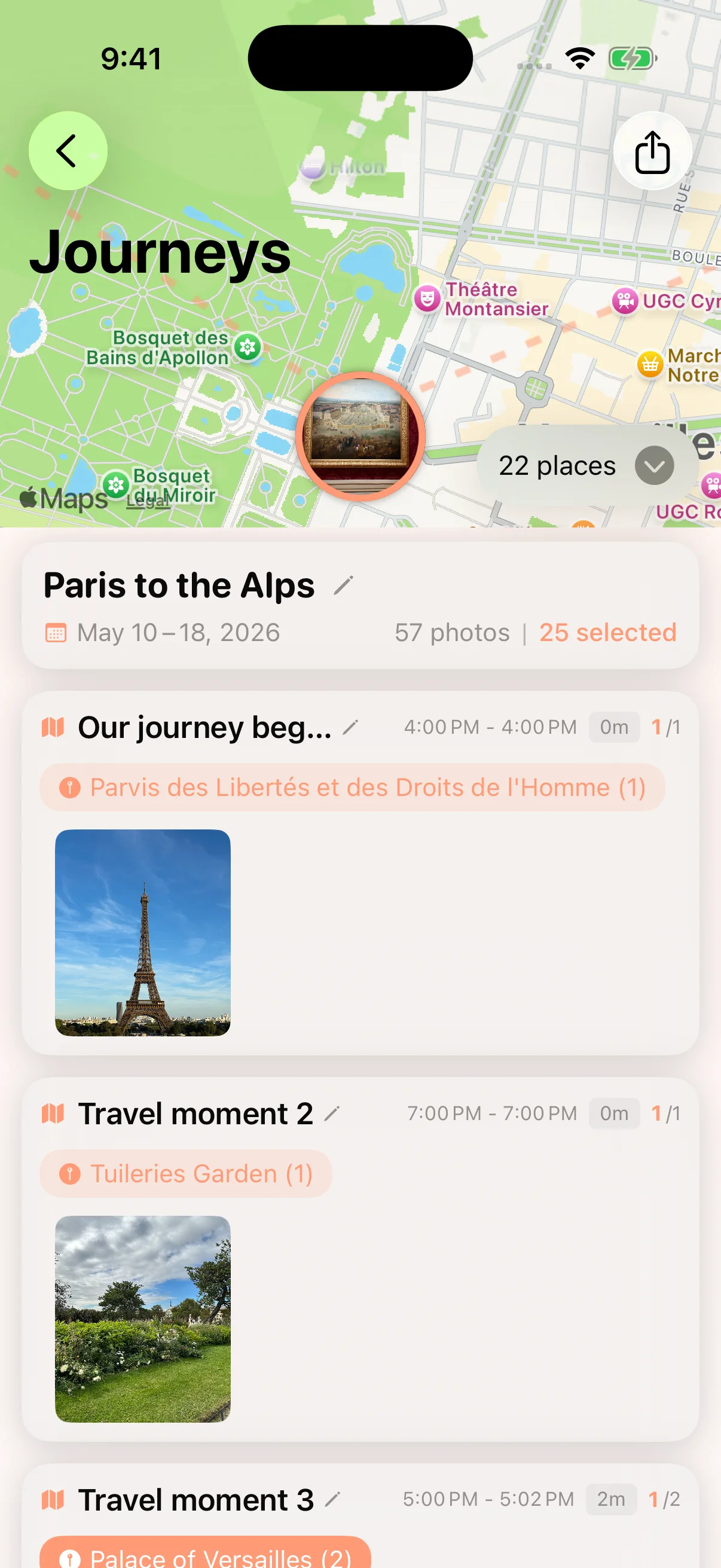
Explore your stops on a 3D map and rediscover the photos you took there. Create a separate video that brings your photos and maps together.

These demo screens show the upcoming 2.3 update. Availability follows App Store review.
2.3 · In preparation

A preview of the next update

These demo screens show the upcoming 2.3 update. Availability follows App Store review. Read the update notes
⌚️

QR, kept separately

Find QR codes in photos you select, review them, and save them in a separate library.

Your words and memories

Add your own captions; supported devices can suggest text grounded in photo metadata.

🔍

Choose your best moments

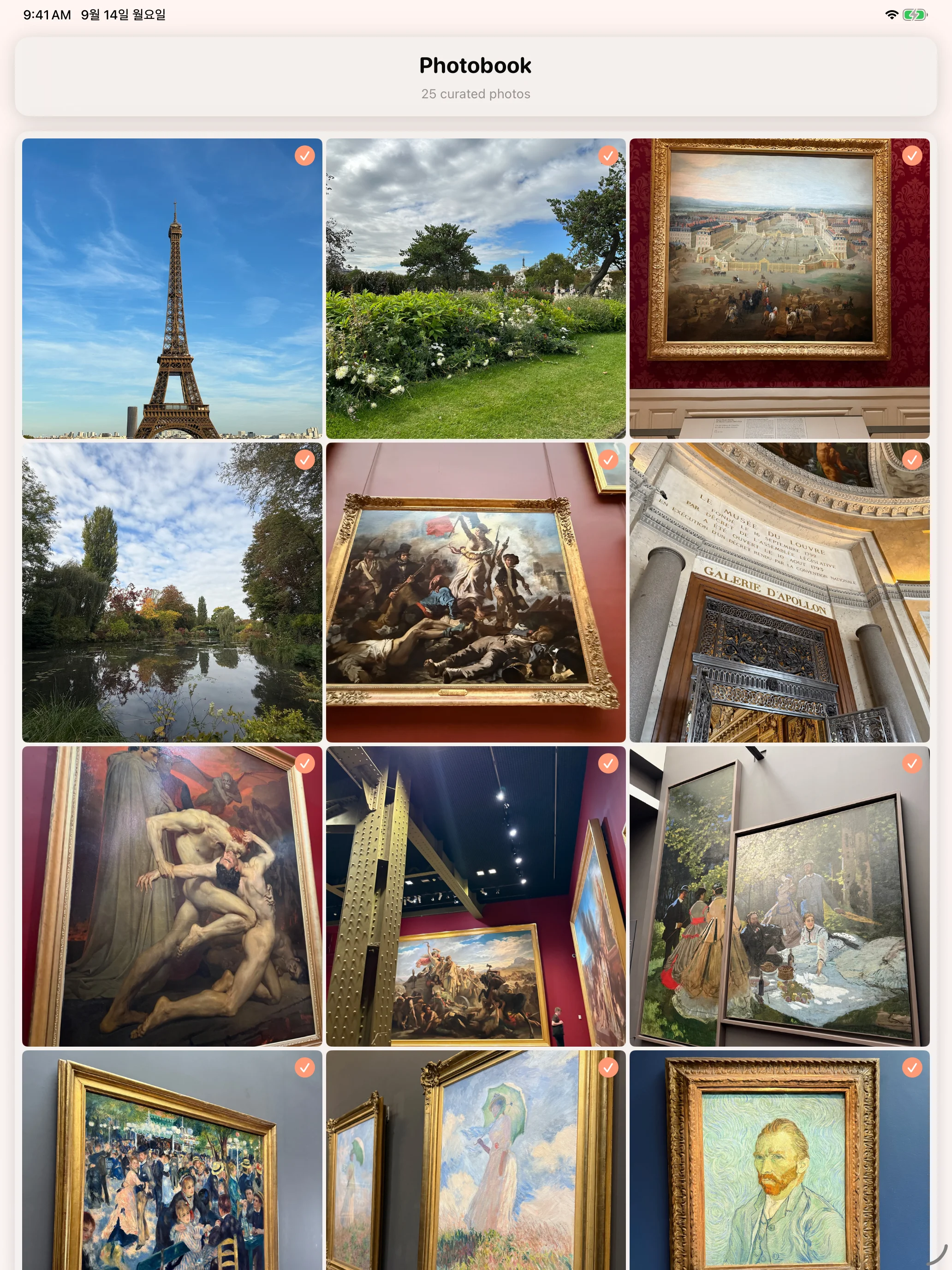
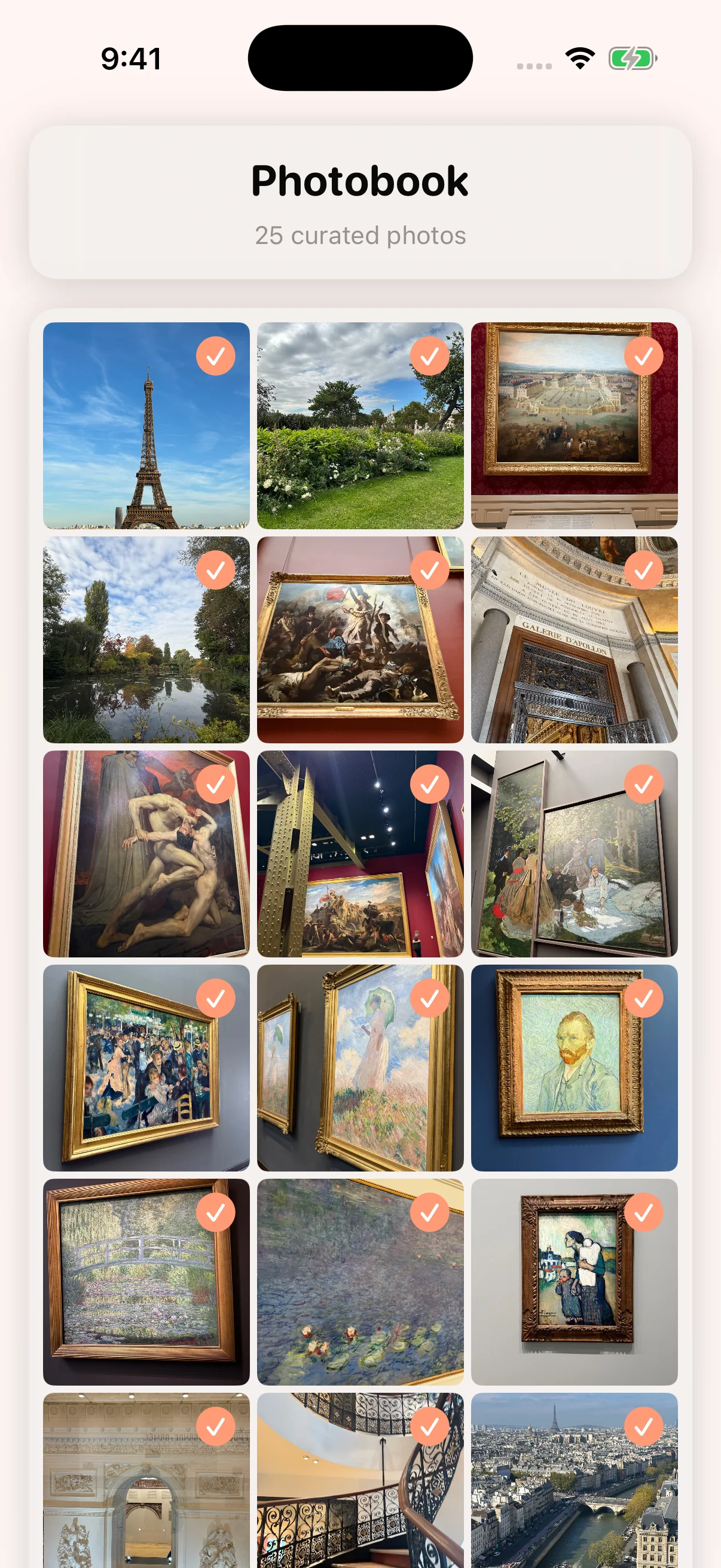
Review similar shots and adjust which moments you keep.

⚡️

Continue with confidence

Improved analysis recovery, saved-data recovery and Watch voice memo delivery.

Preview Remin

Journeys by place Selected photos Your travel story

Bigger on iPad

Experience your travel moments on a larger canvas

Relive your journey on iPad

Follow your photos back through the journey

Move to the next recorded location, then enjoy the photos taken there. These continuous excerpts come from the app’s actual output at its original speed. Map lines connect photo locations and may differ from the route traveled.

iPhone
iPad

Remin on Apple Watch

For the moments you notice while your phone is in your pocket.

🔖

Keep a Moment

Bookmark what you are looking at right now. It joins your journey on iPhone.

🎙

Voice Memos

Say how a place felt. The recording stays with that spot, and you can write a note next to it later.

📍

Place Shortcuts

Keep selected QR codes on Apple Watch. New codes stay on iPhone until you choose Watch storage. Location and arrival alerts are optional.

Demo QR on Apple Watch

Key Features

4-Step Smart Clustering

Time, GPS, visual similarity, and quality. Four criteria to automatically select the best shots.

Journey on Map

Unfold your travel routes and memories on an interactive map.

Video Generation

Automatically create cinematic videos from your travel photos.

On This Day

Browse photos by date on a calendar and look back at what you were doing a year ago.

🔒 All processing happens on your device. Your photos never leave your phone.

How It Works

1

Select Album

Choose an album containing your travel photos.

2

Auto Analysis

Remin analyzes time and location to organize your photos.

3

Enjoy

Relive your personalized travel story.

iPhone and iPad. Compatible Apple silicon Macs use the iPhone/iPad app; there is no separate native macOS version. Availability depends on the Mac App Store listing.