Run AgentDeck
Choose the native Mac app, or use the CLI on macOS, Windows, and Linux.
Physical control surface for AI coding agents
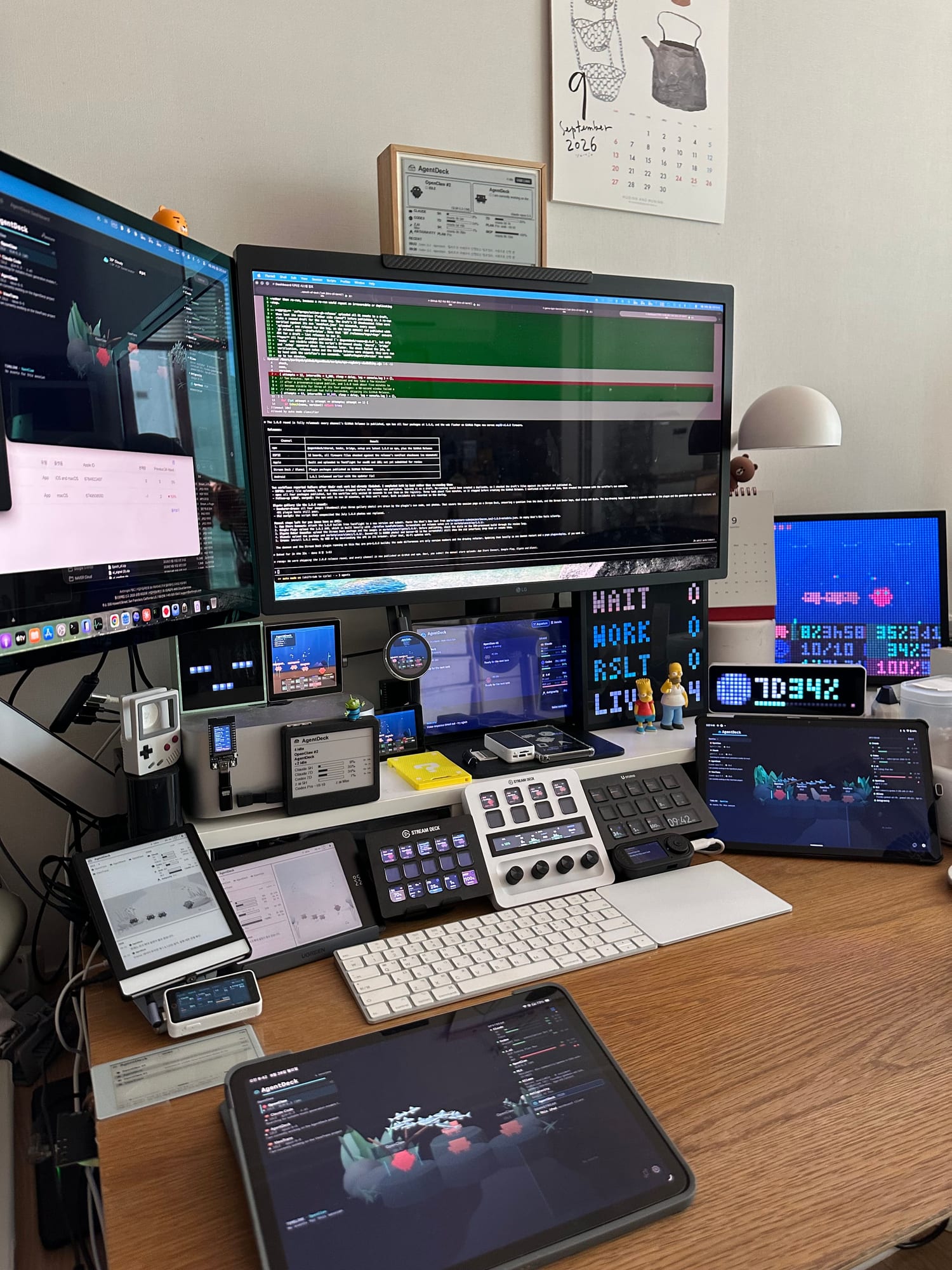
AgentDeck puts your coding agents on the desk. One daemon hub renders every session live across 29 surfaces — and lets you steer them without leaving the keyboard.
Get AgentDeck
The AgentDeck hub runs on your computer. Everything else connects as an optional companion surface.
Choose the native Mac app, or use the CLI on macOS, Windows, and Linux.
iPhone, iPad, and Android mirror the hub over your local network. They do not run the hub themselves.
Add Stream Deck or Ulanzi D200H/D200X through each maker's marketplace.
Choose a dashboard that fits your screen and the way you work. Existing appearance choices stay yours.
Live 3D creatures on Apple and Android LCD screens. Mobile viewing mode fades the panels and brings the habitat closer. E-ink keeps its own calm, static backdrop.
See the selected task, recent task history, and reported subagent activity. Busy scenes keep up to eight foreground residents while the roster retains every session.
Claude, Codex, and z.ai/GLM usage where available, adapted to the display. Android GitHub APKs update wirelessly from Settings; store installs use their store.
Five focused views: what runs where, how to put firmware on it, how it looks, how it works, and whether the tests pass.
Browse supported displays and controllers, then open the detailed compatibility matrix.
Install ESP32 firmware over USB straight from Chrome or Edge — no checkout, no PlatformIO.
Rendered specs, source Markdown, metadata, tokens, assets, validation, and agent handover.
Change the agent and state to compare real renderer output across device classes.
The latest CI run — passing tests, scenario coverage, trends, and known gaps.
MIT-licensed monorepo on GitHub — bridge, plugins, firmware, apps.
The same session state renders natively on each, and they run simultaneously — counted from the canonical compatibility matrix. Each app chip is a separately designed UI; the XTeink readers run the community CrossPoint fork.
Effective date: July 15, 2026
AgentDeck Dashboard is a local monitoring and evaluation app for AI coding agent sessions. It does not require an account, does not show ads, does not sell personal data, and does not operate a remote analytics service.
AgentDeck stores app settings, local pairing state, session timeline data, cached evaluation results, and optional hardware configuration in the app sandbox on the user's device.
Users may opt in to local integrations such as Claude Code hooks, Codex lifecycle hooks, OpenClaw Gateway pairing,
Kiro CLI observation, iPhone/iPad dashboard pairing, voice input, ESP32, Pixoo, or D200H hardware support. User-selected hook
configuration files are accessed only after explicit file picker consent, and Kiro observation reads the user's own
~/.kiro folder only after they grant access to it in Settings; without that grant AgentDeck observes nothing.
Evaluation runs on the on-device Foundation Models backend by default, which contacts no network endpoint. The user may instead select an opt-in remote backend and supply the endpoint and their own credential. When they do, AgentDeck sends the agent turn content needed for evaluation, and the associated API interaction data, to the endpoint the user chose:
These backends are off by default, are used only for app functionality, are linked to the user through the credential they supplied, and are never used by AgentDeck for tracking, advertising, or marketing. AgentDeck operates no server of its own and receives none of this content.
Local network connections are used for same-device hooks and paired iPhone/iPad dashboard display. Optional local services are contacted only when configured by the user. Voice input uses Apple's speech APIs for the requested command flow. Optional credentials, such as an Anthropic Admin API key, an OpenAI-compatible endpoint key, or an OpenClaw shared token, are stored in the macOS Keychain and used only for the configured feature.
Questions: admin@foundby.kr